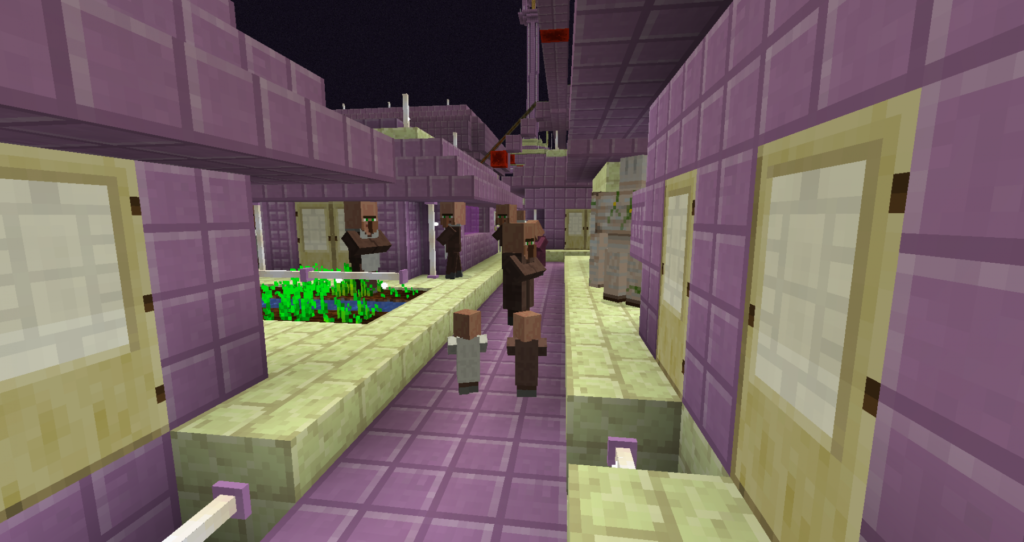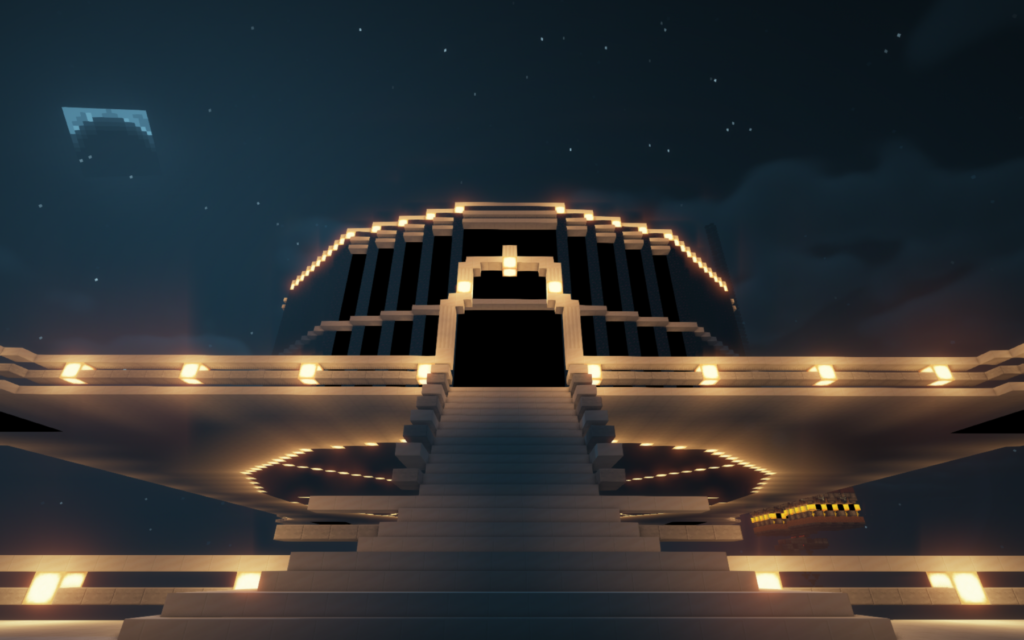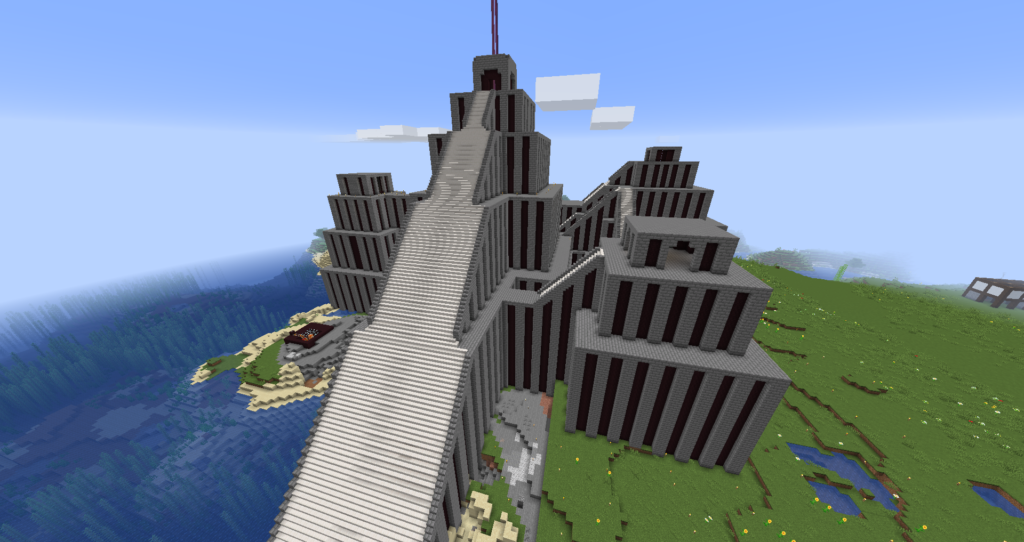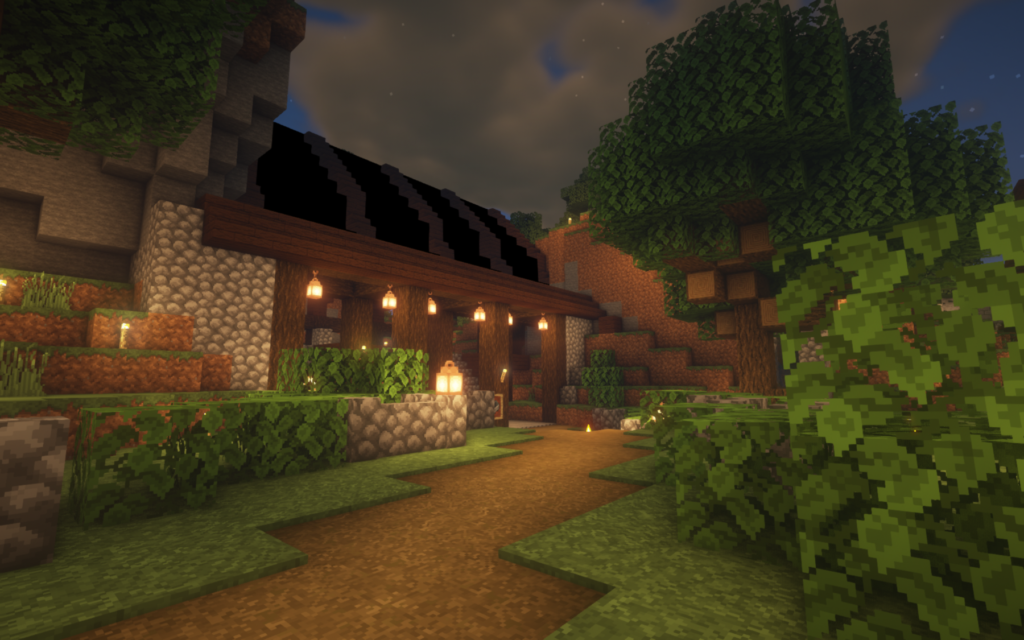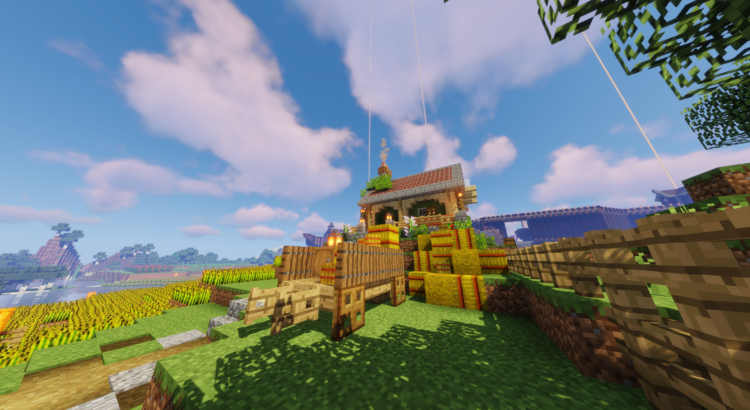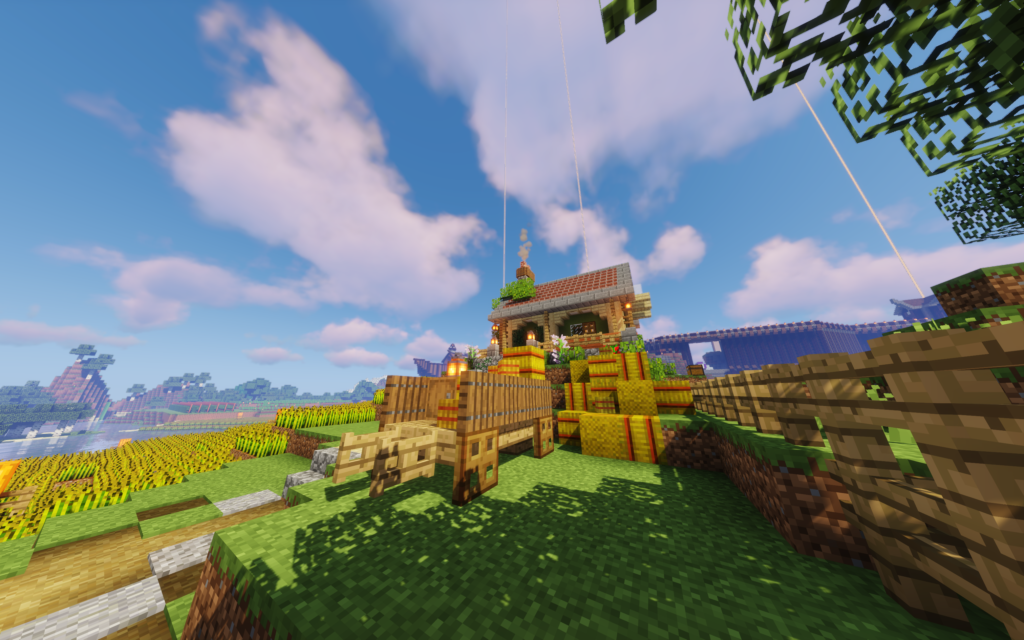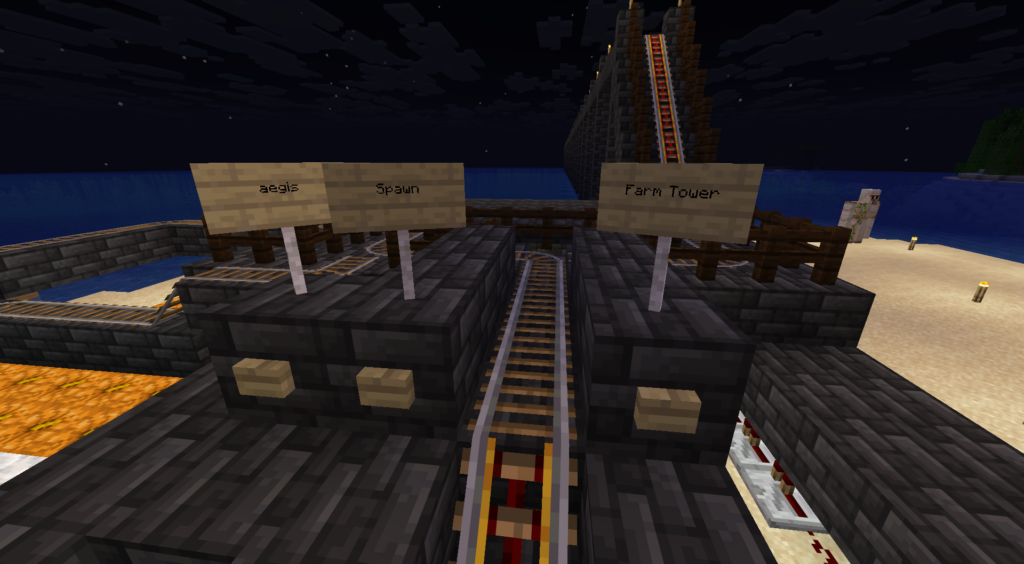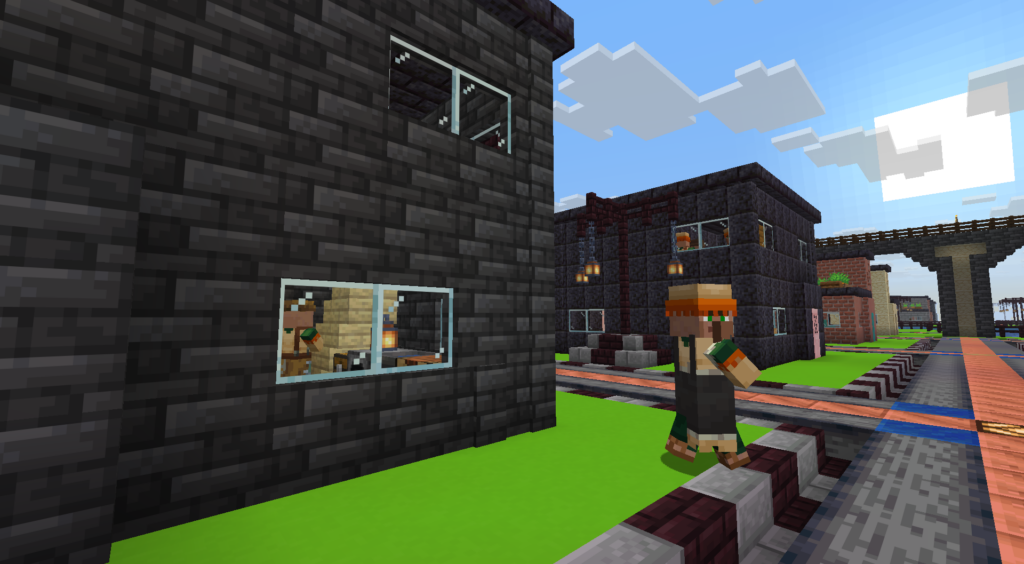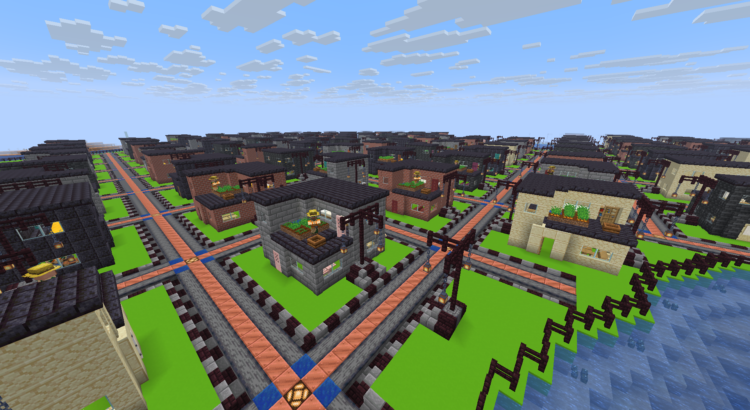
villager city

13 Years of Builds: Touring a Decade of Minecraft History on One Server

MinecraftLovers has been running continuously since 2013. Every structure on the map — and in the archived worlds before it — was built in survival mode, block by block, by players. No creative building has ever been allowed, not for staff, not for owners, not for anyone. This is what thirteen years of that rule looks like.

Most Minecraft worlds live and die inside a single version of the game. Ours has crossed more than a decade of them: it predates the End update’s revamp, predates elytra, predates concrete, predates the entire Nether as you know it. Players who joined in 2013 built with a palette of blocks that today’s new members would consider punishingly small — and some of those builds are still standing.

This is a walking tour. Everything you’ll see obeys one rule that has never once been broken: it was built in survival. Every block was mined, crafted, carried, and placed by a person, at head height, with fall damage on.

The old worlds: our archived history
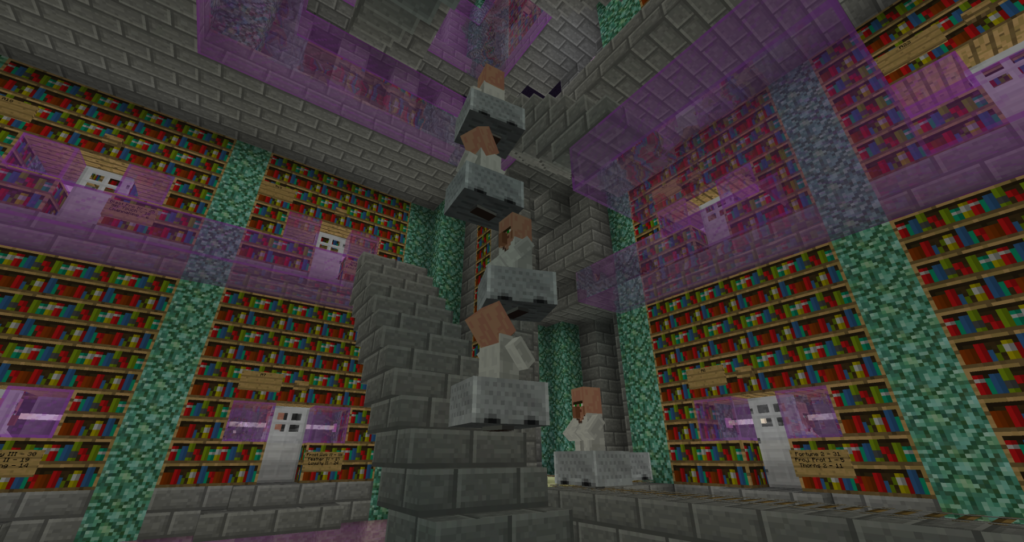
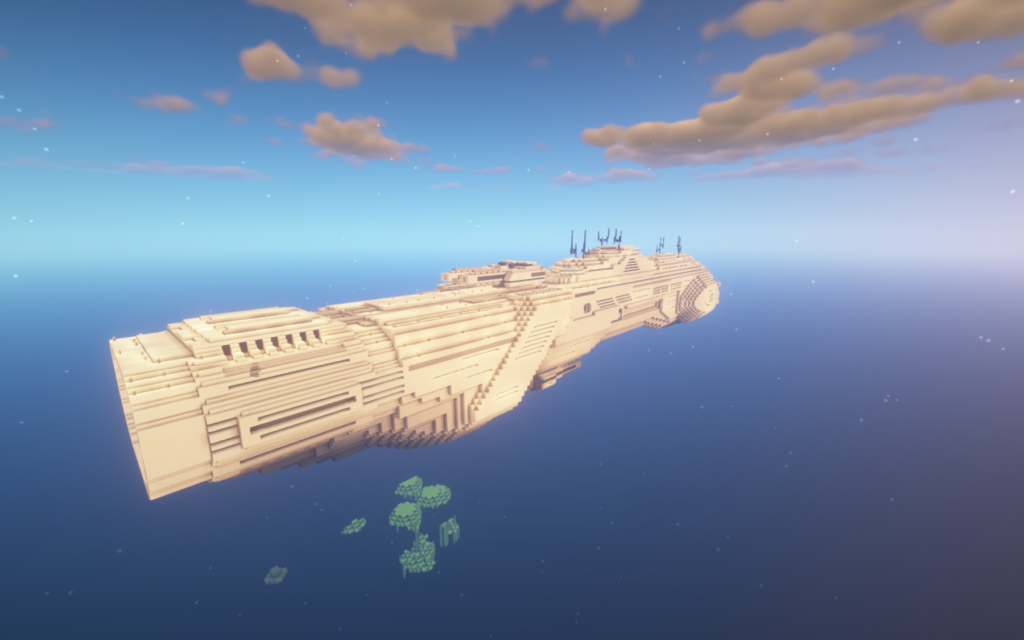
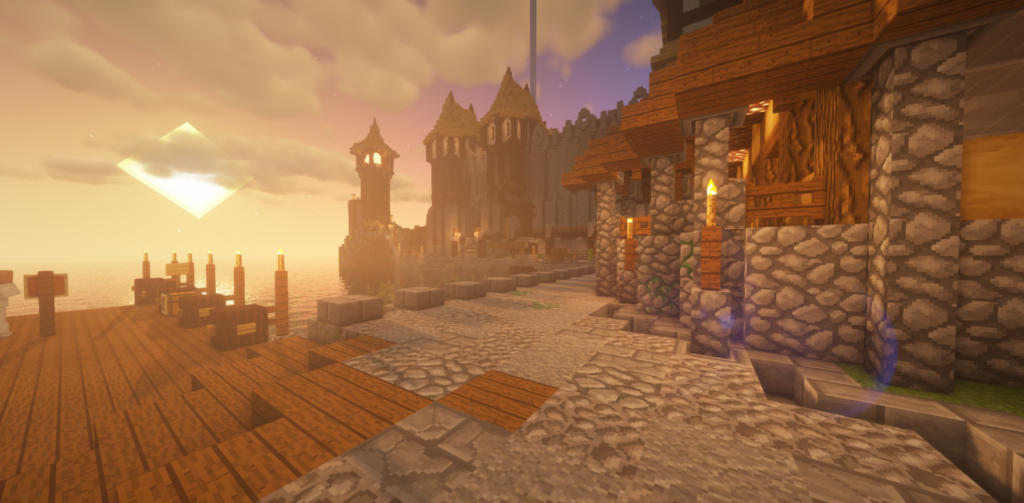
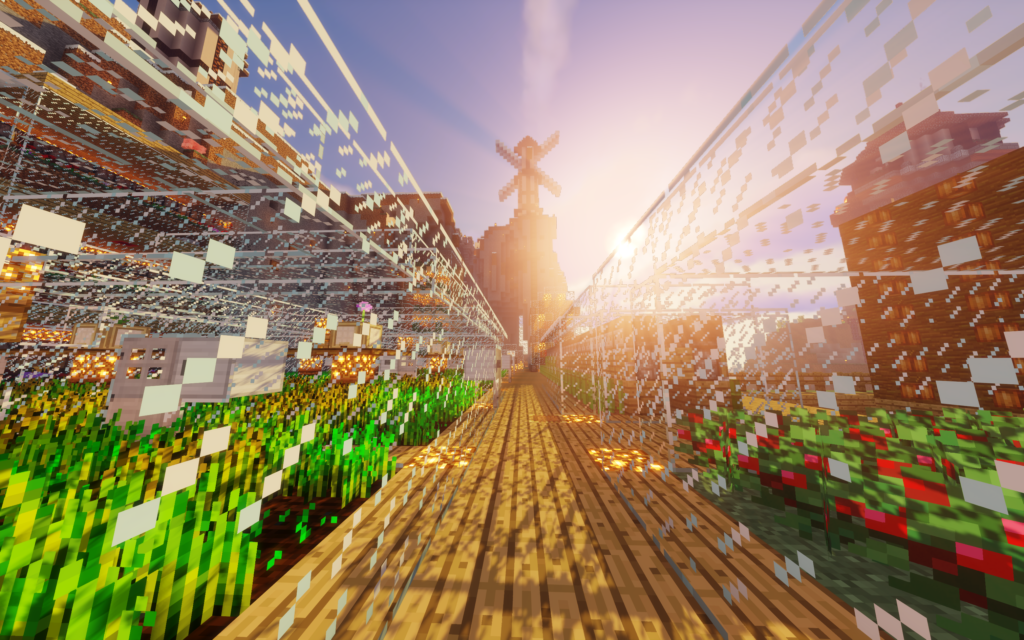
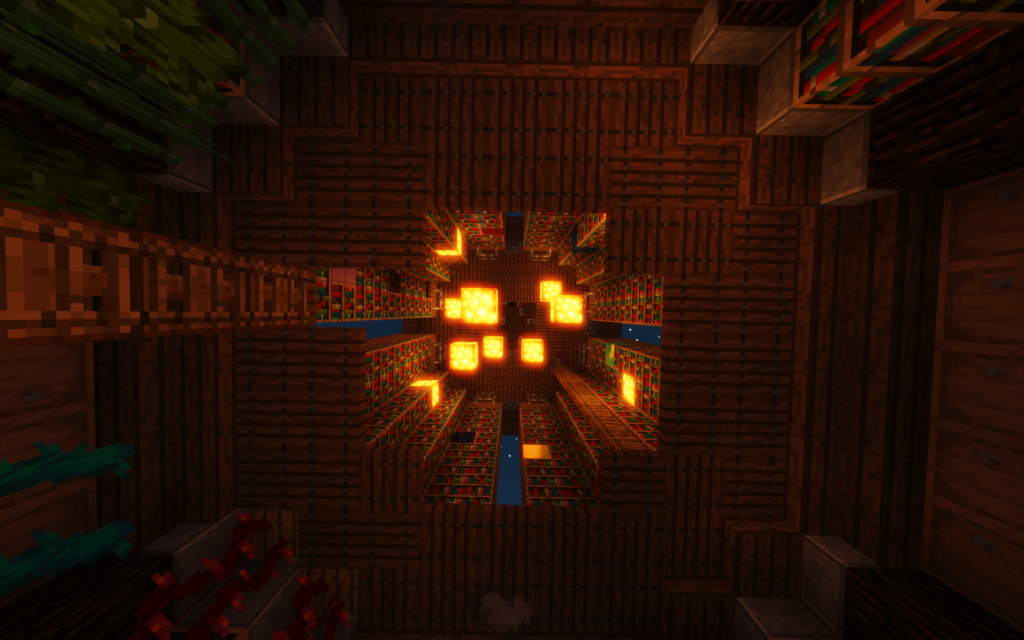
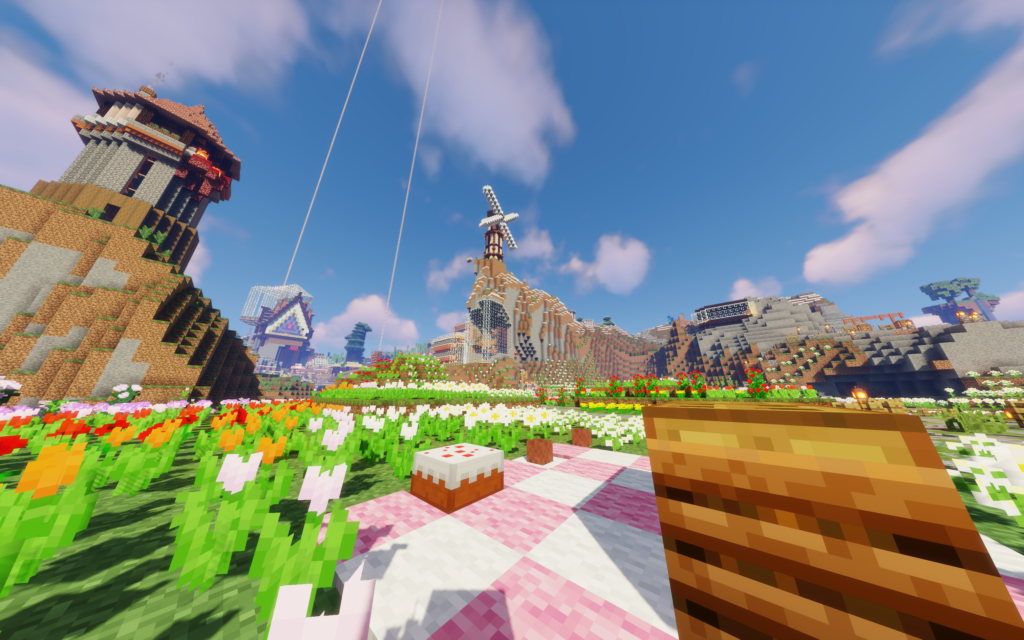
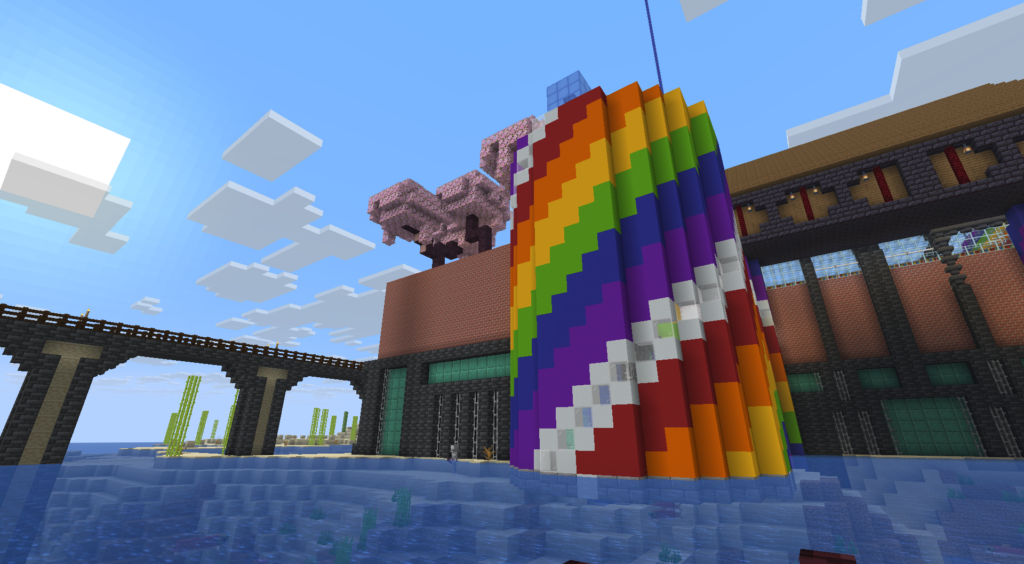
When core changes to Minecraft’s world generation have forced us onto fresh terrain over the years, we never deleted what came before. Every previous world is archived in full, which means our history isn’t a wiki page — it’s a set of playable museum wings. The screenshots above come straight out of those archives: original player bases, starships built over the ocean, cobblestone towns straight from the middle ages, and much more.

Some builds didn’t stay in the archives. When a new world begins, staff import members’ builds from the old one on request — so scattered across today’s map are structures that are older than the terrain they sit on.
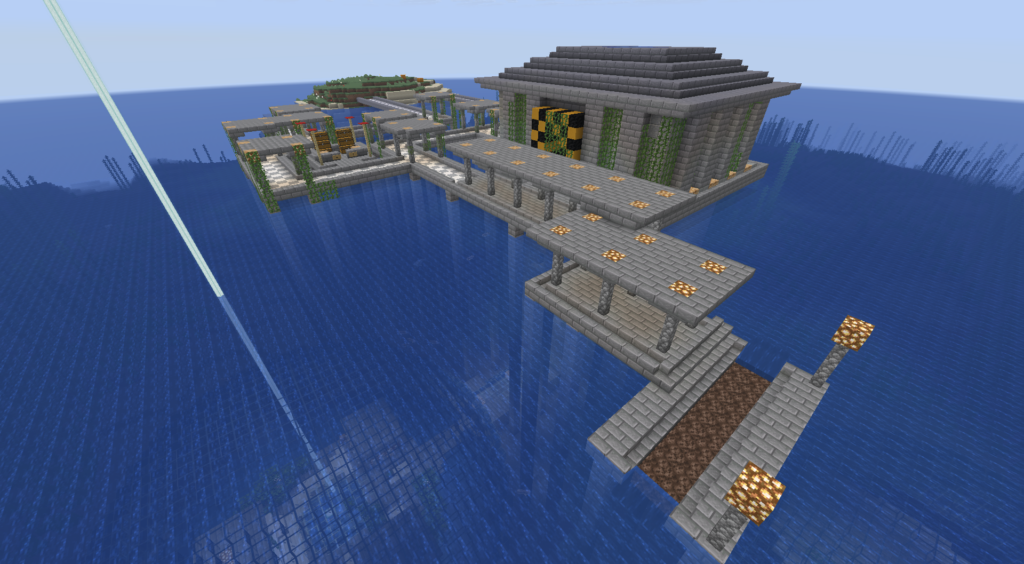
deep sea research station

The Deep Sea Research Station – a “ruined” build with a hidden puzzle unlocking deeper access – migrated across 3 world resets

The rail network
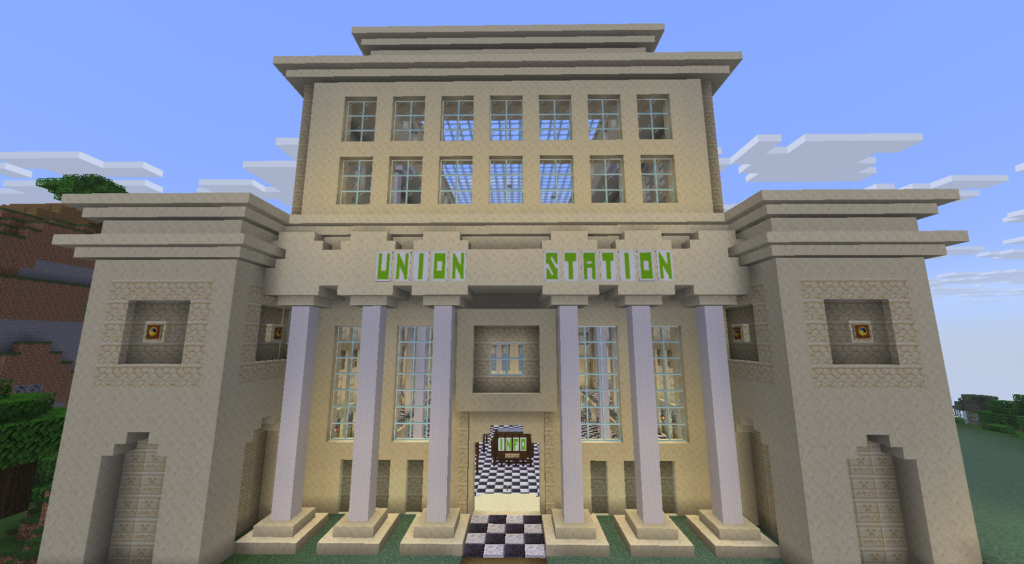
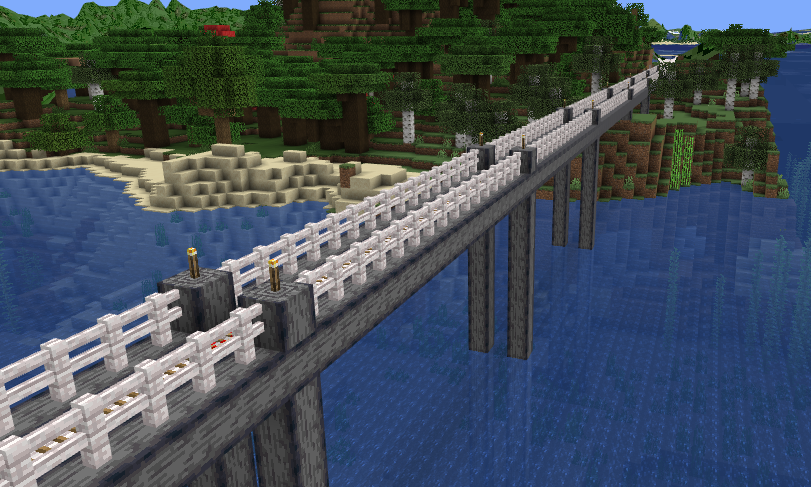
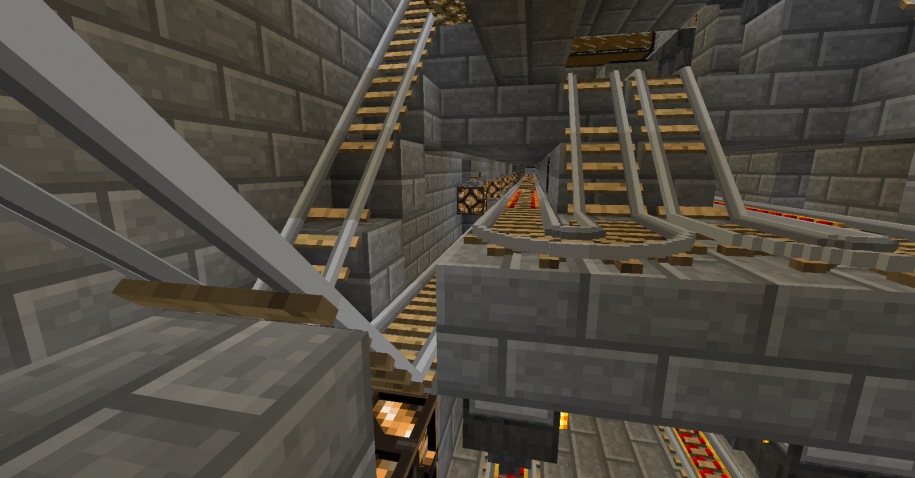
If the server has a signature megaproject, it’s this: a rail network linking every town on the map, active and abandoned alike, through overworld tunnels and a nether hub — with minecarts running up to four times vanilla speed on transport routes. It has been under continuous expansion for years, and the standing plan is unambitious in the best way: connect every biome. New members routinely extend a line to their own front door, which is how a rail network becomes a map of where everyone has ever lived.

The towns

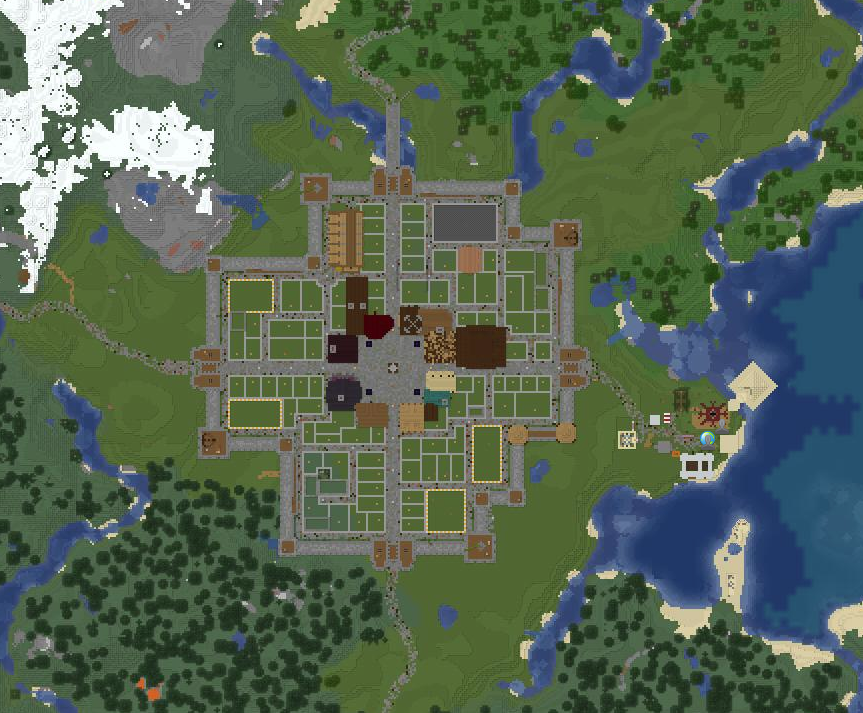
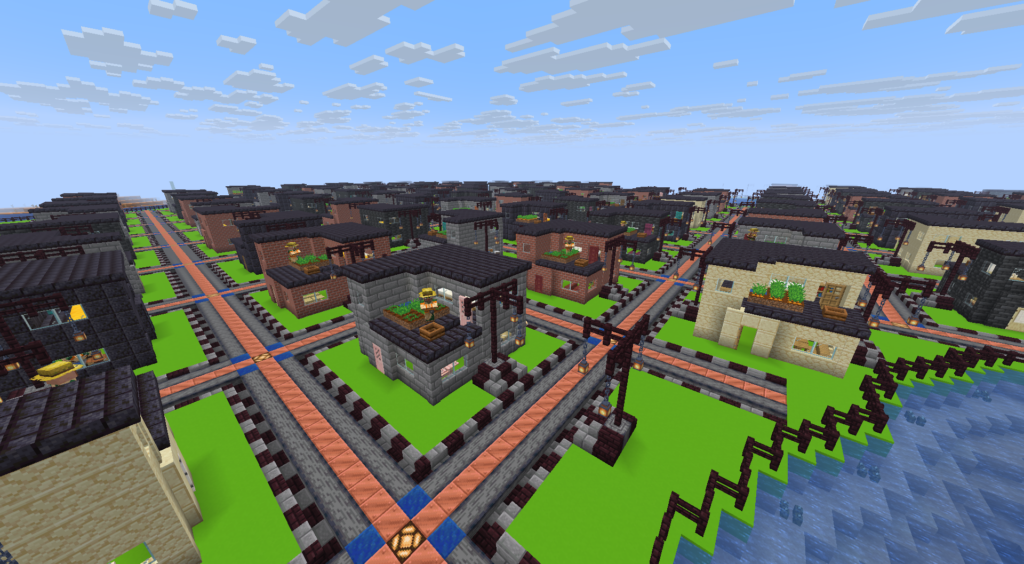
Nobody zoned anything. There are no plots and no claims, so every town on the map exists because a few players decided a place should exist — and themed itself by consensus and momentum.

The hidden layer

Some of the best builds on the server aren’t on any signpost. Members have buried dungeons, sewer systems with rewards for explorers, and an abandoned research center with — we’ll say contents — into the landscape for others to stumble across. We’re not posting coordinates. That’s the point.

The engineering wing
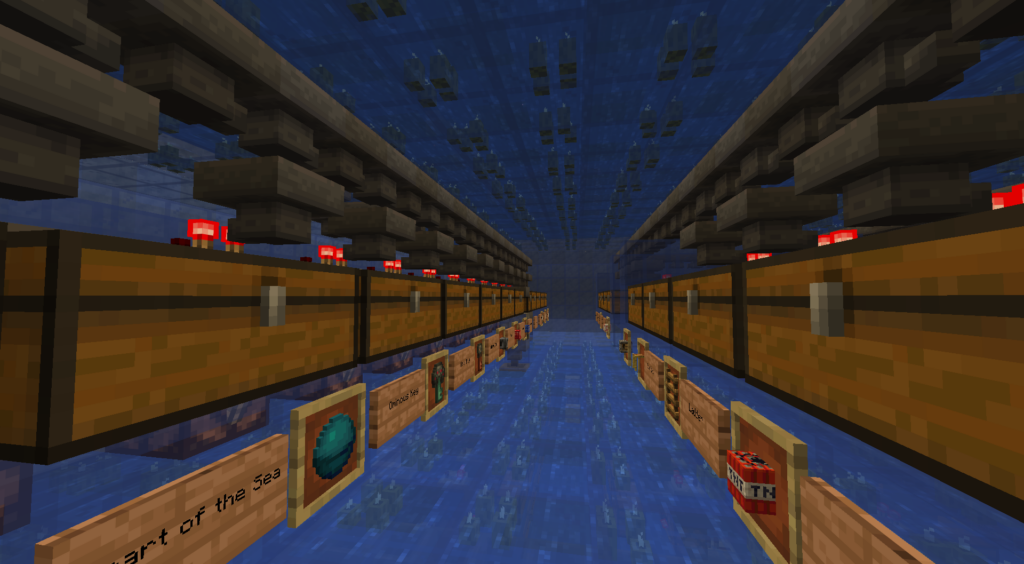
Survival-only doesn’t mean rustic. Near spawn stands what we believe is the most efficient furnace array possible in Minecraft — it breaks the hopper speed limit [owner: one sentence on how, if you want to flex]. Elsewhere: industrial-scale sorting systems, mob farms, and the general infrastructure of people who have had thirteen years to optimize.

The monuments

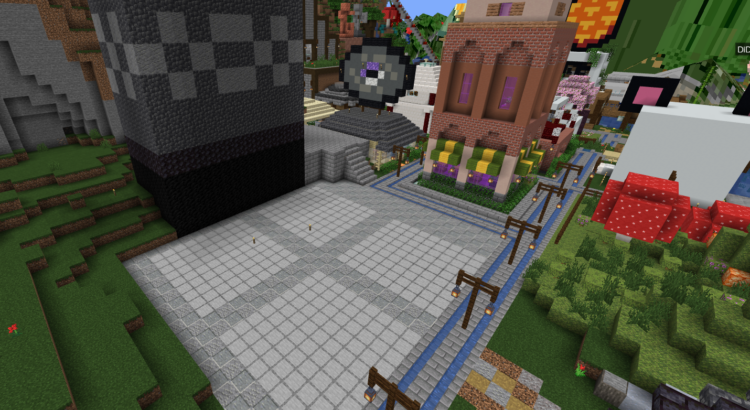
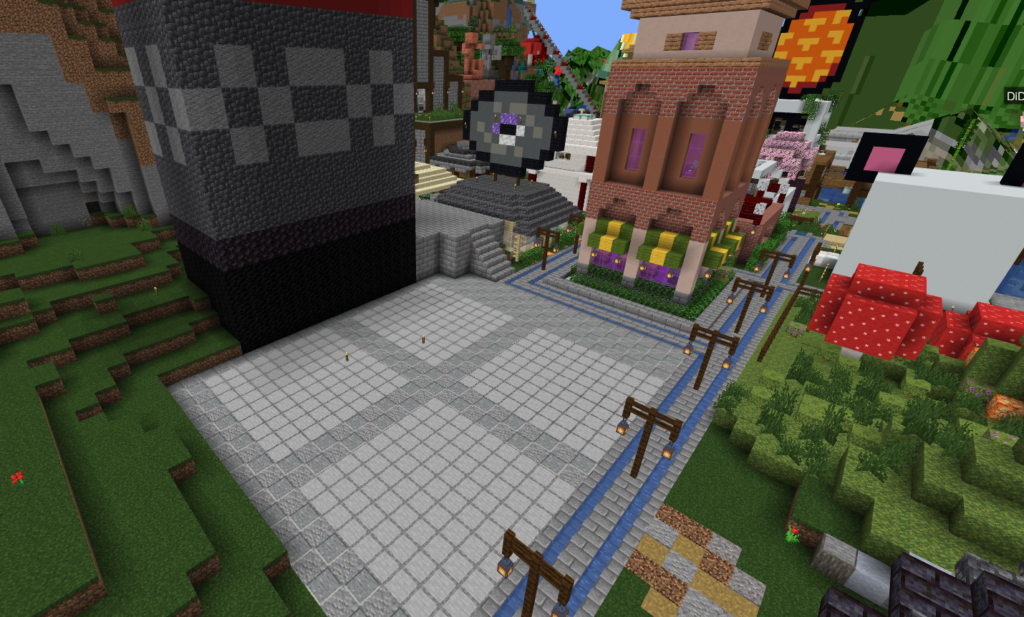
And then there are the builds that exist purely because someone decided to spend six months on them: a Sumerian ziggurat visible from the clouds, a full-scale replica of the Roman Colosseum, and a farm tower going from bedrock to the world height limit.
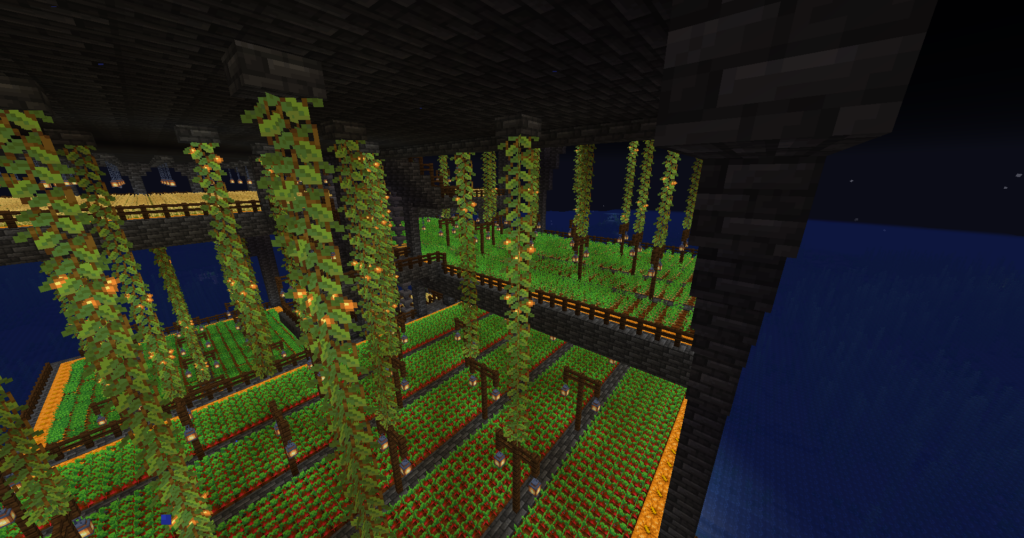
farm tower

Remember the rule as you look at these: every block, survival, by hand.

Come walk it yourself

The entire world is browsable right now on our live 3D map, no account needed — builds, players, even cave layers, in real time. If you’d rather walk it in person, the whitelist application is at minecraftlovers.com. The world has no border and no end date; there’s room for whatever you’re planning to add to year fourteen.
land claim

Land Claims vs. Rollbacks: Two Ways Minecraft Servers Stop Griefing

Servers stop griefing in two fundamentally different ways: prevention (land-claim plugins that make protected blocks unbreakable) or reversal (logging every block change so staff can roll back damage after it happens). Claims restrict everyone to stop a rare bad actor; rollbacks keep the world fully open and fix problems when they occur. We use rollbacks.

Every survival server’s rules say “no griefing.” What the rules don’t tell you is how the server enforces that — and the enforcement method shapes the entire feel of the world more than almost any other choice a server makes.

Method one: prevention by land claims

Claim plugins let players mark territory — with a golden shovel, a command, a chunk-based UI — inside which only they can build, break, or open containers. Griefing becomes mechanically impossible on claimed land.

land claim

The upside is obvious: protection without staff involvement, around the clock. On large public servers with open registration, claims are close to mandatory — when anyone can walk in off a server list, prevention is the only thing that scales.

But claims have costs that builders feel every day. The world stops being open: you can’t dig, build, or sometimes even walk certain places, and exploring near spawn on a mature claim-based server means threading between invisible fences. Claims expire, overlap, and generate disputes; abandoned claims freeze dead builds in place forever. Expansion becomes bureaucracy — outgrow your claim and you’re managing blocks of permission rather than placing blocks of stone. And mechanically, claims are a constant, low-grade reminder that you’re on somebody’s permissions plugin rather than in a Minecraft world.

Method two: reversal by logging and rollback

The alternative flips the model. Instead of preventing damage, the server records it: block-logging tools keep a complete history of every block placed and broken, every container opened, by whom, and when. If someone griefs, staff inspect the damage, identify the account, and roll the affected area back to exactly how it was — then remove the offender.

The upside is the world itself: no restricted areas, anywhere. Anyone can build anything next to anything; land is settled by courtesy and distance rather than by plugin. Minecraft plays exactly like single-player, because nothing is intercepting your clicks. And victims lose nothing — a rollback restores builds block-perfect, chests included.

The tradeoff is honest to name: rollbacks require staff who show up. Damage exists until a moderator reverses it, so the model only works on servers where the player pool is filtered and moderators are active. Which is precisely why it pairs so naturally with a whitelist.

Why the whitelist changes the math

Griefing prevention is really a question about trust. Open-registration servers can’t extend trust, so they encode distrust into the terrain itself — claims are architecture built for strangers. A whitelisted server has already filtered at the door. When every player was individually approved, actual griefing becomes rare enough that reversal beats prevention: you keep a fully open world 100% of the time and pay a small moderation cost on the rare occasions someone abuses it.

That’s the trade we’ve made since 2013. No claim plugins, no protected regions, no plots — the only “protected” behavior on the whole map is that creeper explosions don’t damage builds, which protects you from the game, not from each other. Everything is logged; the handful of times someone has tested the system, their damage was rolled back and they were gone. Members get the open world every day. Troublemakers get an undo button and a ban.

What this means for you as a builder

Practically: you can build anywhere, at any scale, and expand in any direction without asking permission or managing a claim. Your neighbor’s abandoned project doesn’t fence you in. Nothing between you and the terrain but the terrain. If your base is ever damaged — by grief or even by accident — tell staff, and it comes back exactly as it was.

If you’ve only ever played on claim-based servers, the first week feels strange, like a city with no fences. Then it feels like Minecraft.

FAQ

How do servers stop griefing without land claims? By logging every block change and container interaction. Staff can identify who caused damage and roll the world back to its prior state, block-perfect, then remove the offender.

Are rollbacks reliable? Do I really get everything back? Block-logging tools record placements, breaks, and container transactions with timestamps and account names. A rollback restores the recorded state — builds and chest contents included.

Why not just use both claims and rollbacks? Some servers do. We don’t, because claims impose their costs on every player every day to deter something a whitelist already makes rare. We’d rather keep the world open and handle the exceptions.

Can someone build right next to my base? Technically yes — courtesy and space are the norm here, and the world is unlimited, so crowding is rare and solvable. In practice, distance is a better fence than any plugin.

neat build

How to Play Minecraft Solo Survival — Without Being Alone

If you love single-player survival but wish your builds had an audience, you don’t have to choose between an empty world and a crowded server. Small, whitelisted survival servers let you play exactly the way you do alone — your own base, your own projects, your own pace — inside a world where other people exist. Here’s what that’s like and how to find it.

There’s a particular kind of Minecraft player. You’ve finished the megabase. The sorting system works. The villager hall is optimized, the terraforming is done, and it’s genuinely good — and the only person who will ever walk through it is you.

Single-player survival is the purest version of the game, but it has a quiet flaw that gets worse the better you get: nobody sees any of it. Screenshots to a subreddit aren’t the same as someone walking through your front gate and saying “wait, how did you do this?”

neat build

The usual advice is “join a server,” and if you’ve tried it, you know why that advice fails. Big public servers are the opposite problem: chat scrolling too fast to read, land claimed in every direction, economies and ranks and kits layered over the game until it stops feeling like Minecraft, and a spawn area radiating pressure to buy something. You didn’t want a second job. You wanted your world, with people in it.

The third option

Between those extremes is a category that doesn’t advertise loudly, because it doesn’t need volume to survive: small and mid-sized whitelisted survival servers where most members play essentially solo — but in the same, shared, persistent world.

Here’s the shape of it. You apply, get whitelisted, and spawn into a world that’s been growing for years. You walk (or ride a rail line someone built) away from spawn until you find a place you like — no land claims, no plots, just distance and taste. You build your base the same way you would alone. Chat murmurs along in the background; someone’s fighting the dragon, someone’s asking whether anyone has spare deepslate. You mute it or you don’t.

And then, when the base is done, the part single-player can never give you: you post coordinates, and people come look. They leave signs. They ask questions. Your build becomes a place other people know about — a landmark on the live map, a stop on the rail network, a thing that exists in a world that isn’t only yours.

rail junction

What “solo, together” looks like in practice

On our server, most members build alone most of the time. That’s not a failure of community — it is the community. The shared layer sits on top of everyone’s individual game: a live 3D map where every base in the world is visible, so exploring other people’s builds is a pastime in itself; a player-built rail network connecting towns and bases across continents, which you can extend to your own front door; towns and themed villages for the days you do feel like building near people; build contests where the community votes on designs, and the winners get constructed at spawn; hidden challenges and player-made dungeons scattered through the world, built by members for members to find.

Every one of those things is opt-in. Nobody will recruit you, tax you, or wonder why you’ve spent three weeks alone in a jungle. But the day you finish something worth showing, there’s someone to show it to.

Why the shared world has to be permanent

This playstyle only works if the world persists. A solo builder’s investment horizon is measured in months and years, and a server that resets every season is structurally incompatible with it. That’s why world policy is the first thing to check before joining anywhere [link Post 1], and why we’ve kept ours simple: running continuously since 2013, no world border, new worlds only when Minecraft’s own generation changes force it — with old worlds archived and builds historically imported into the new one by staff on request.

Is this you?

If you finish reading server descriptions and think “that sounds exhausting,” if your favorite part of the game is the hundred quiet hours between milestones, if you’ve ever wished exactly one person could see the thing you just built — then yes, probably. The application takes five minutes [link to whitelist form]. The world’s been waiting since 2013.

FAQ

Can you play Minecraft multiplayer like single player? Yes. On small whitelisted survival servers with no land claims and minimal plugins, day-to-day play is nearly identical to single-player survival — you simply share the world, chat, and map with other people, all of it optional.

Do I have to join group projects on a community server? On ours, no. Most members build solo. Towns, the rail network, contests, and events are all opt-in.

Won’t other players grief my base? On a whitelisted server the risk is already low, and everything is logged — staff can roll back any damage. See how rollback-based anti-grief works [link Post 4].

How do I find my own space to build? There’s no world border here, so you pick a direction and go until you like what you see. Distance is the only claim system you need.

What Happens to Your Builds When a Minecraft Server Resets?

The short answer: on most servers, they’re gone. On ours, they come with you. MinecraftLovers has run continuously since 2013, resets only when Minecraft’s world generation itself changes, keeps full archives of every previous world, and has historically imported players’ builds from old worlds into new ones on request.

If you’ve ever poured a hundred hours into a base on a multiplayer server, you already know the fear. You log in one day to an announcement: new season, fresh map, everything resets next month. The megabase, the sorting system, the rail line you tunneled by hand — all of it becomes a screenshot folder.

sorting system

That fear is the single biggest reason dedicated builders stick to single-player worlds. It’s worth understanding why resets happen, how often they actually need to happen, and what a server can do about your builds when they do.

Why do Minecraft servers reset their worlds?

There are really two categories of reset, and they get unfairly lumped together.

Resets by choice. Many servers reset on a schedule — new “seasons,” fresh economies, a marketing moment to attract new players. Some do it because the map has world borders and the land inside them is exhausted. Some do it because keeping an old world running takes real administrative effort and starting over is easier. None of these are technical necessities. They’re business decisions, and if you’re a builder, they’re made at your expense.

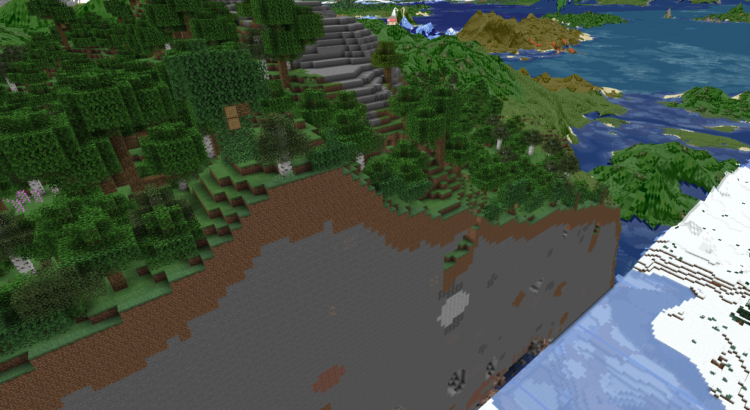
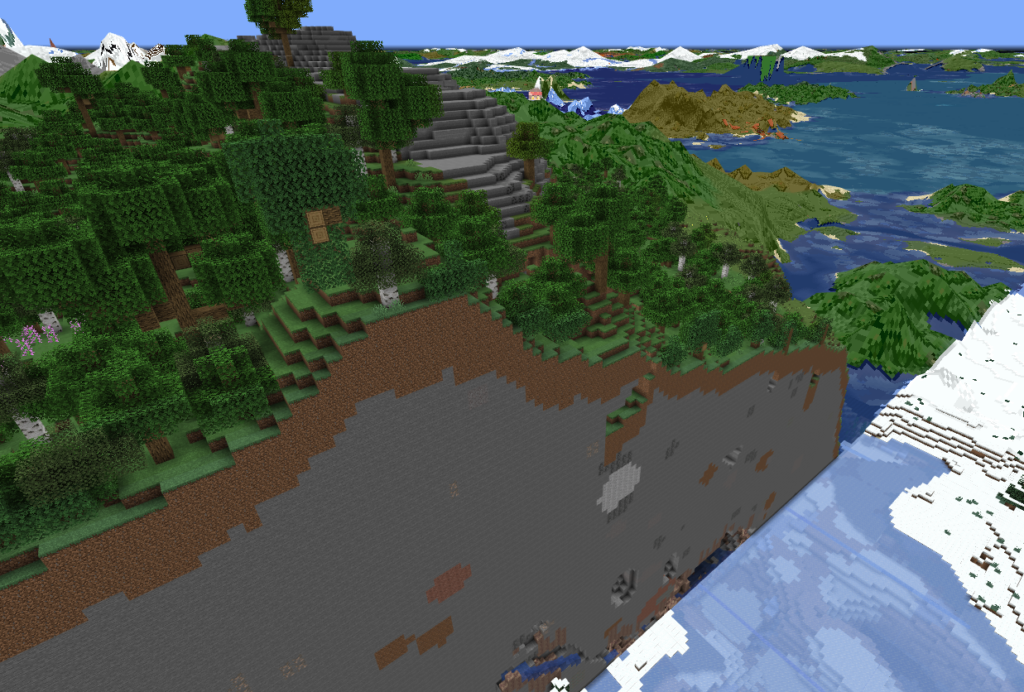
Resets forced by Minecraft itself. This one is real. When Mojang overhauls world generation — the way the game did with the Caves & Cliffs terrain changes, for example — old chunks and new chunks stop matching. Terrain generated under the old rules meets terrain generated under the new rules at hard, ugly seams: cliffs sheared off mid-mountain, oceans that end in walls, cave systems that dead-end into solid stone. Unloaded areas of an old world can also behave oddly under a new generator. A server that runs long enough will eventually face this, no matter how well it’s managed.

A glitch caused by world generation changes

The difference between servers isn’t whether they ever face a reset. It’s what they do with your work when they do.

How MinecraftLovers handles world changes

We’ve been running the same server, with the same community, since 2013. In all those years, we’ve started a new world only a handful of times — and only when a core change to Minecraft’s world generation made continuing on the old terrain genuinely worse for players. We have never reset for a “season,” a relaunch, or a fresh coat of marketing paint.

When we have moved to a new world, two things have always been true:

The old worlds are archived, not deleted. Every previous world still exists, in full. Thirteen years of builds — from 2013-era cobblestone starter homes to continent-spanning rail networks — are preserved.

Players’ builds have moved with them. When we’ve generated a new world, staff have imported members’ builds from the old world into the new one on request. Your base doesn’t become a memory; it becomes a landmark with history. There are builds on our current map that have lived in more than one world.

Combine that with the rest of how the server works — no world border, so the map expands forever and land never runs out; no land-claim plugins fencing off territory; and a strict rule that everything is built in survival, by players, block by block — and the result is the thing builders are actually searching for when they type “server that never resets”: your progress is never lost.

rail network

What to ask any server before you invest your time

Whether you join us or anywhere else, ask these questions before you commit hundreds of hours:

How old is the current world, and how old is the server? A server that has been running for years without seasonal resets has demonstrated its policy; a new server can only promise. Does the world have a border? Bordered worlds run out of land, and exhausted land is the most common trigger for discretionary resets. What happened to previous worlds, if any? “Deleted” and “archived with build imports” are very different answers. And is the answer written down somewhere public? A server willing to state its world policy on its website is a server that expects to be held to it.

FAQ

Do Minecraft servers have to reset their worlds? Not on any schedule. The only near-unavoidable trigger is a major change to Minecraft’s world generation, which creates visible seams between old and new terrain. Everything else — seasons, fresh starts, economy resets — is a choice made by the server, not a technical requirement.

How often has MinecraftLovers reset its world? Only a handful of times since 2013, and only following core world-generation changes in Minecraft itself. We have never reset for a new season or a relaunch.

What happens to my builds if the world changes? Historically, we’ve archived every previous world in full, and staff have imported players’ builds from old worlds into the new one on request. Ask staff on our Discord if you’d like to see examples of migrated builds on the current map.

Does the world have a border? No. The map expands as players explore, with no limit. You will never run out of land, and land exhaustion will never be a reason for a reset here.

How do I join? The server is whitelisted to keep the community friendly and mature. Apply through the form at minecraftlovers.com — approval details arrive by email, and our Discord is linked from the site.

digging in the end

What to Look For in a Whitelisted Semi-Vanilla SMP (Before You Apply)

Applying to a whitelisted server takes effort — a form, a wait, sometimes an interview. Before you spend that effort, check seven things: how long the server has existed, what happens to worlds and builds over time, how close the gameplay stays to vanilla, how griefing is actually handled, whether you can see the world before joining, what the community expects of you, and whether the whole thing depends on your wallet.

Whitelisted survival servers are a different animal from the public server lists. The application is a filter, and it works both ways: the server is screening you, and you should be screening the server. Here’s what actually matters.

1. Longevity — and what it proves

Anyone can launch a server; the hard part is still being there in year three, or year ten. A long track record tells you the owners aren’t going to get bored and pull the plug on your base, that the community has survived Minecraft’s update cycles, and that the rules you’re reading have actually been stress-tested. Ask when the server was founded and whether it has run continuously since. (Ours has run continuously since 2013 — and our position is simple: as long as there’s a single active player, the server stays up.)

2. World policy: borders, resets, and your builds

This is the big one for builders, and it deserves its own deep dive — we wrote one here. The short version: find out whether the world has a border, whether the server resets by choice or only by technical necessity, and what happened to players’ builds during any previous world change. A server that archives old worlds and migrates builds treats your time as an investment. A server with seasonal resets treats it as content.

3. Plugin philosophy: “semi-vanilla” means different things

Semi-vanilla is a spectrum. On one end, a handful of invisible conveniences; on the other, economies, ranks, kits, and RPG systems that reshape the game. Neither is wrong — but you should know which one you’re applying to. Read the plugin list and ask what each one changes about moment-to-moment play. Our own bar: if you’ve only ever played single-player, you should barely notice the difference. Homes and teleports, a live 3D map of the world, faster minecarts on the rail network, creeper-proof builds, and an optional skill-leveling system — nothing that changes what Minecraft is.

4. How griefing is really handled

“No griefing” appears in every server’s rules. The interesting question is enforcement. Some servers prevent grief with land-claim plugins that lock territory; others rely on logging and rollbacks, where staff can reverse any damage after the fact. The claim approach restricts everyone all the time to stop the rare bad actor; the rollback approach leaves the world open and fixes problems when they occur. We use rollbacks — the full reasoning is here — because we’d rather the world feel like Minecraft than like a permissions system.

5. Proof you can inspect before you apply

Talk is cheap and every server description says “amazing community.” Look for evidence you can verify yourself: a live map you can browse before joining, screenshots of real player builds (not spawn builds made in creative), an active Discord, recent events. A live world map is the most honest advertising a server can have, because it shows you exactly what the community has actually made. On ours, everything you’ll see was placed block by block in survival — creative building is banned for everyone, staff and owners included.

6. Community shape: who you’ll actually be playing with

Whitelisted servers tend to be smaller and tighter-knit than public ones, but they differ in texture. Some are heavily collaborative; some are collections of solo players who share a world and a chat. Figure out which you want. If you like the idea of other people — someone to show a finished build to, a rail network to plug into, an event now and then — but you mostly want to do your own thing, say so in your application and look for a server that describes itself that way. That solo-but-not-alone style is exactly who we built for. Age expectations matter too: a community that skews adult plays differently than one that doesn’t, and it’s fair to ask where a server lands.

7. The money question

Some servers fund themselves with perks, ranks, and donation nags; others just pay the hosting bill and ask nothing. Neither is a scandal, but you should know before you invest time whether the experience is shaped around monetization. If a server’s website leads with a store, that tells you something. (You won’t be pestered for donations here — there’s nothing to buy.)

FAQ

What does “whitelisted” mean on a Minecraft server? Only approved players can join. You apply — usually a short form or Discord application — and staff add your username to the list. It keeps out griefers and bots and keeps the community stable.

What should I put in a whitelist application? Be honest about how you play. Servers are matching you to their community, not grading you. Mention what you like to build, whether you prefer solo or group projects, and your rough age bracket if asked.

Is semi-vanilla the same as vanilla? No — semi-vanilla adds a small layer of convenience plugins on top of otherwise-normal survival gameplay. How small varies a lot by server; see our full breakdown.

How do I apply to MinecraftLovers? Fill out the whitelist form at minecraftlovers.com. You’ll get an email when you’re approved, and you can join our Discord from the site.

Vanilla vs. Semi-Vanilla vs. Vanilla+: What’s the Difference?

A vanilla server runs Minecraft with no gameplay changes at all. A semi-vanilla server keeps normal survival gameplay but adds a small layer of convenience features — things like set-home commands, teleports, or a live map. Vanilla+ (or “enhanced vanilla”) sits between the two, adding features designed to feel like they could have been part of the base game. The labels aren’t standardized, so always read a server’s actual plugin list.

If you’re browsing survival servers, these three labels do most of the sorting work — and unhelpfully, servers apply them loosely. Here’s what each one is supposed to mean, and how to tell what you’re actually getting.

Vanilla: the unmodified game

vanilla minecraft

A true vanilla server changes nothing about gameplay. No commands beyond what single-player offers, no protection systems, no map websites — the server may run performance-optimized software under the hood, but from the player’s seat, it is exactly the game Mojang shipped. Purists love it; the tradeoff is that multiplayer’s rough edges (grief with no recovery, no way to find friends, chaos at spawn on public servers) arrive unmodified too. In practice, most long-running “vanilla” communities quietly rely on a whitelist, active moderation, or both to stay livable.

Semi-vanilla: normal gameplay, plus conveniences

Semi-vanilla keeps survival mechanics untouched — mining, crafting, combat, progression all work exactly as in single-player — but adds a thin layer of quality-of-life features around them. The classic examples: setting a home you can teleport back to, teleporting to a friend, a live web map of the world, chat linked to a Discord server, and logging tools that let staff reverse griefing.

semi-vanilla minecraft

The test of a good semi-vanilla server is invisibility: if you’ve only ever played single-player, you shouldn’t notice the difference until you want to. Nothing changes how blocks break or mobs behave; the additions remove multiplayer friction rather than adding game systems. (This is the category we’ve run since 2013 — homes, teleports, a live 3D map, faster minecarts on rail lines, creeper-proof builds, an optional skill-leveling plugin, and otherwise the game you already know.)

Because the label is elastic, some servers marketed as semi-vanilla stack on economies, ranks, kits, claims, and RPG mechanics. There’s no official cutoff — which is why the plugin list matters more than the tag.

Vanilla+ / enhanced vanilla: additions that feel native

Vanilla+ describes servers (often using data packs or light mods) whose additions are designed to feel like plausible base-game features: one-player-sleep, mini-blocks and furniture, custom recipes, armor stand posing, mob head drops, and similar. The philosophy is aesthetic — extend the game in its own voice — rather than convenience-focused. The line between Vanilla+ and semi-vanilla is blurry and the terms get swapped freely; Vanilla+ leans toward content that feels native, semi-vanilla toward utilities that stay out of the way.

How to tell what a server really is

Ignore the label; ask three questions. Does anything change core survival mechanics — how you fight, mine, progress? If yes, it’s beyond semi-vanilla regardless of what it calls itself. Are there systems layered over the game — economy, ranks, claims, kits? Each one moves it further from vanilla. And could you describe every addition in one sentence each? If the feature list needs a wiki, you’re looking at a modded experience wearing a vanilla label.

FAQ

What is a semi-vanilla Minecraft server? A server that keeps normal survival gameplay unchanged but adds a small set of convenience features — typically home-set and teleport commands, a live world map, Discord-linked chat, and grief-logging for staff. Core mechanics work exactly as in single-player.

Is semi-vanilla harder or easier than vanilla? Gameplay difficulty is identical — mobs, damage, and progression are unchanged. Semi-vanilla is “easier” only in logistics: getting home, finding friends, and recovering from griefing.

What does Vanilla+ mean? Servers that add features designed to feel like natural extensions of the base game — often via data packs — such as one-player-sleep, custom recipes, or decorative blocks. It overlaps heavily with semi-vanilla; usage isn’t standardized.

Which type is best for players coming from single-player? Semi-vanilla is usually the smoothest landing: the game plays exactly as you’re used to, and the additions only remove multiplayer friction. [Link Post 3 — how solo players fit into multiplayer worlds.]